Users#
For a staff member at your institution to access Jetstream, they must have a user account set up in Jetstream. They must also have appropriate access set up in your campus single sign-on system, when your institution uses SSO to control access to Jetstream.
Users list#
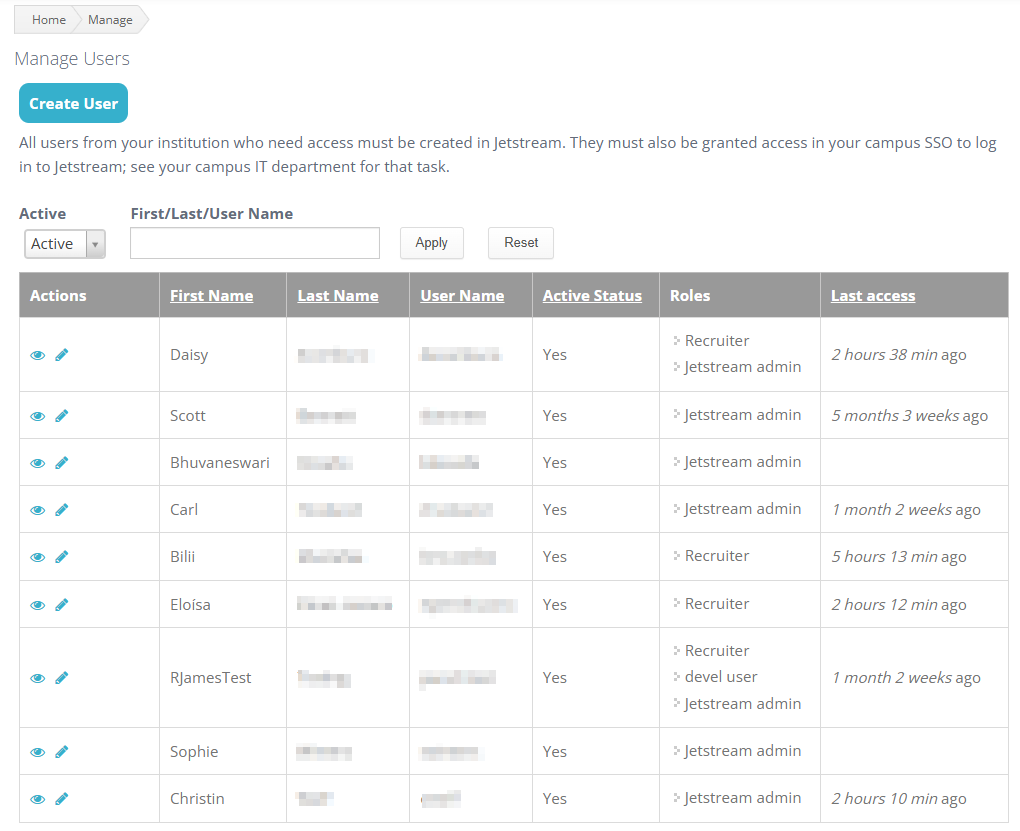
The Users page displays the staff user accounts that have been set up in Jetstream.
Creating a user#
When you click Create User, make sure that the user’s username and email address perfectly match the corresponding information in your campus SSO system.
For example, if the user’s email address in the campus SSO system is:
testuser@example.eduenter the following as the username:
testuser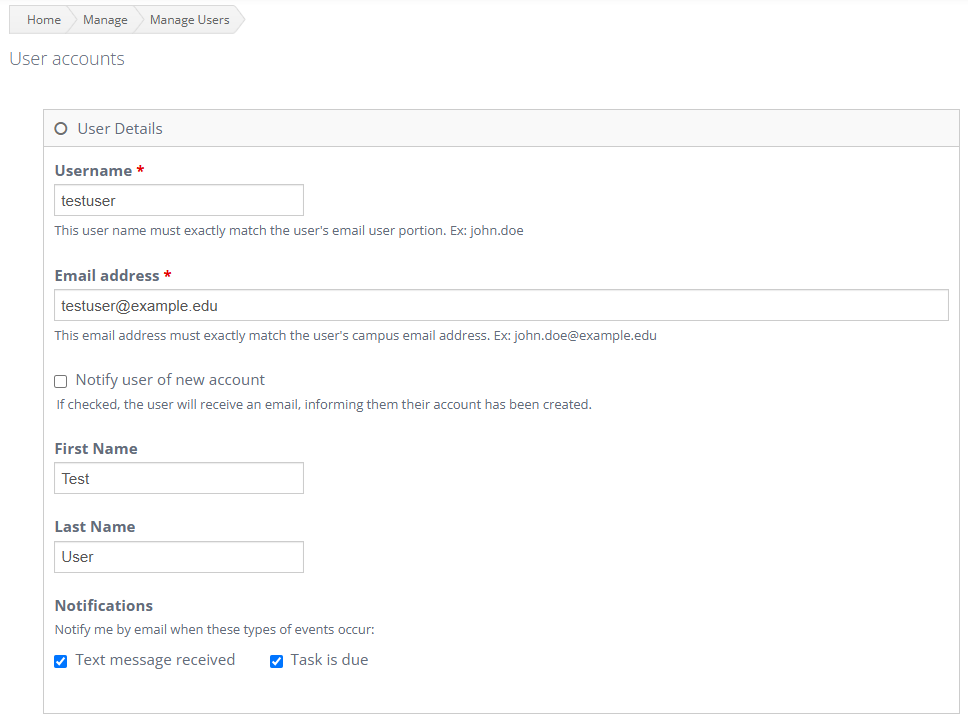
Creating the Jetstream account does not by itself grant access through campus SSO. The user must also have the appropriate access configured in the campus SSO system, when applicable.
Removing a user’s access#
To remove a user’s access, edit the user and click Cancel account at the bottom of the page.
Canceling the account does not delete the user. The user remains permanently in Jetstream in a disabled state.
This preserves the user’s identity in the system for auditing. Records associated with that user are not removed when the account is canceled.
For the sign-in process, see Access and Sign-In. For access levels, see Roles and Permissions.