Revisions#
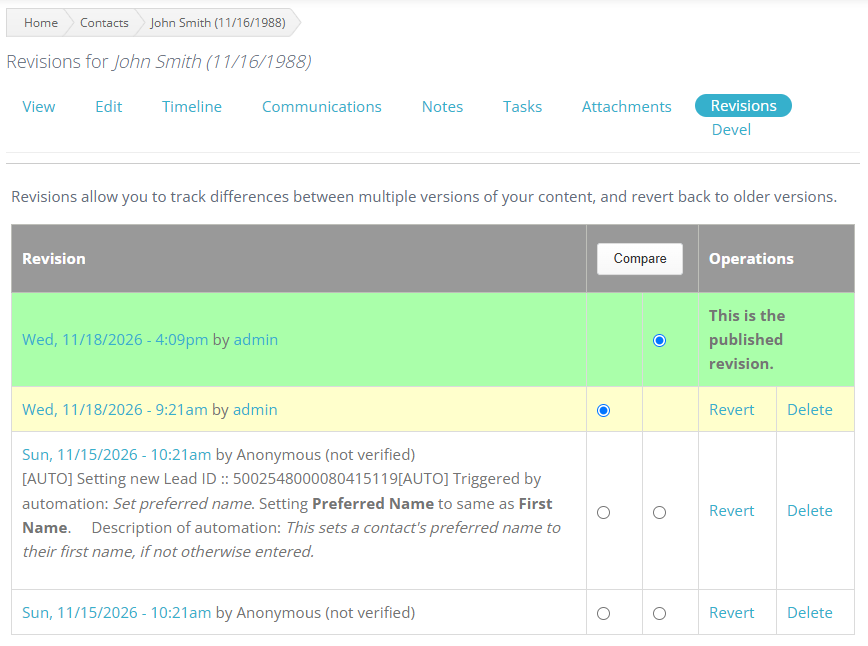
The Revisions tab shows a history of edits made to a Contact.
When the feature is available and the user has access, an authorized user can review earlier versions of the Contact. Two versions can be compared to show exactly which fields changed values between those versions.
After reviewing the available versions, an authorized user can revert the Contact to a previous version when necessary. Use the revert option carefully, and follow your institution’s procedures for correcting Contact information.
The Contact’s Timeline remains available for reviewing the history of activity associated with the record.