Timeline#
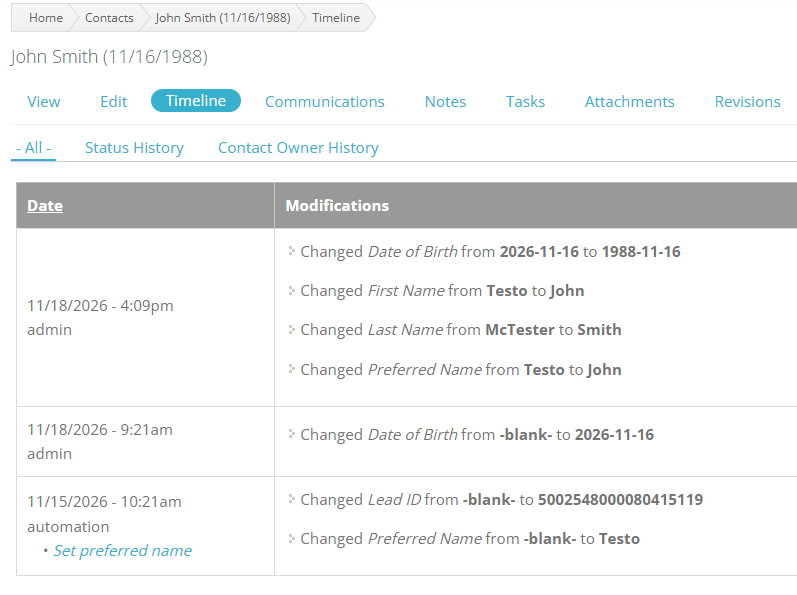
The Timeline provides a chronological history of activity associated with a Contact. It gives staff a way to understand what has happened to the Contact’s record over time.
The Timeline includes:
- Changes made to the Contact’s record
- Automations performed on the Contact
- Emails sent to or received from the Contact
- Text messages sent to or received from the Contact
- Tasks associated with the Contact
Automations are described in more detail in a separate section of this documentation.
Complete history#
The Timeline does not have an age limit. Events do not disappear simply because they have reached a certain age, so the Timeline can be used to review the Contact’s long-term history.
This history can help staff understand how a record has changed, provide context when responsibility for a Contact changes, and review activity that may have occurred long ago.
Learn more about Automations, which can appear in the Timeline after they are performed. Related email and text message history is covered on the Contact’s Communications page, and Tasks are described on the Tasks page.