Dashboard#
The Jetstream dashboard provides a starting point for the work you do in Jetstream. You can add widgets to the dashboard to bring useful information and actions together in one place.
The widgets available to you may depend on your role and your institution’s Jetstream configuration.
Configuring the dashboard#
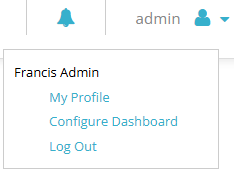
You can edit the placement and selection of widgets from the user menu:
- Click your username in the upper-right part of the screen.
- Click Configure Dashboard.
- Add the widgets you want to use and adjust their placement on the dashboard.
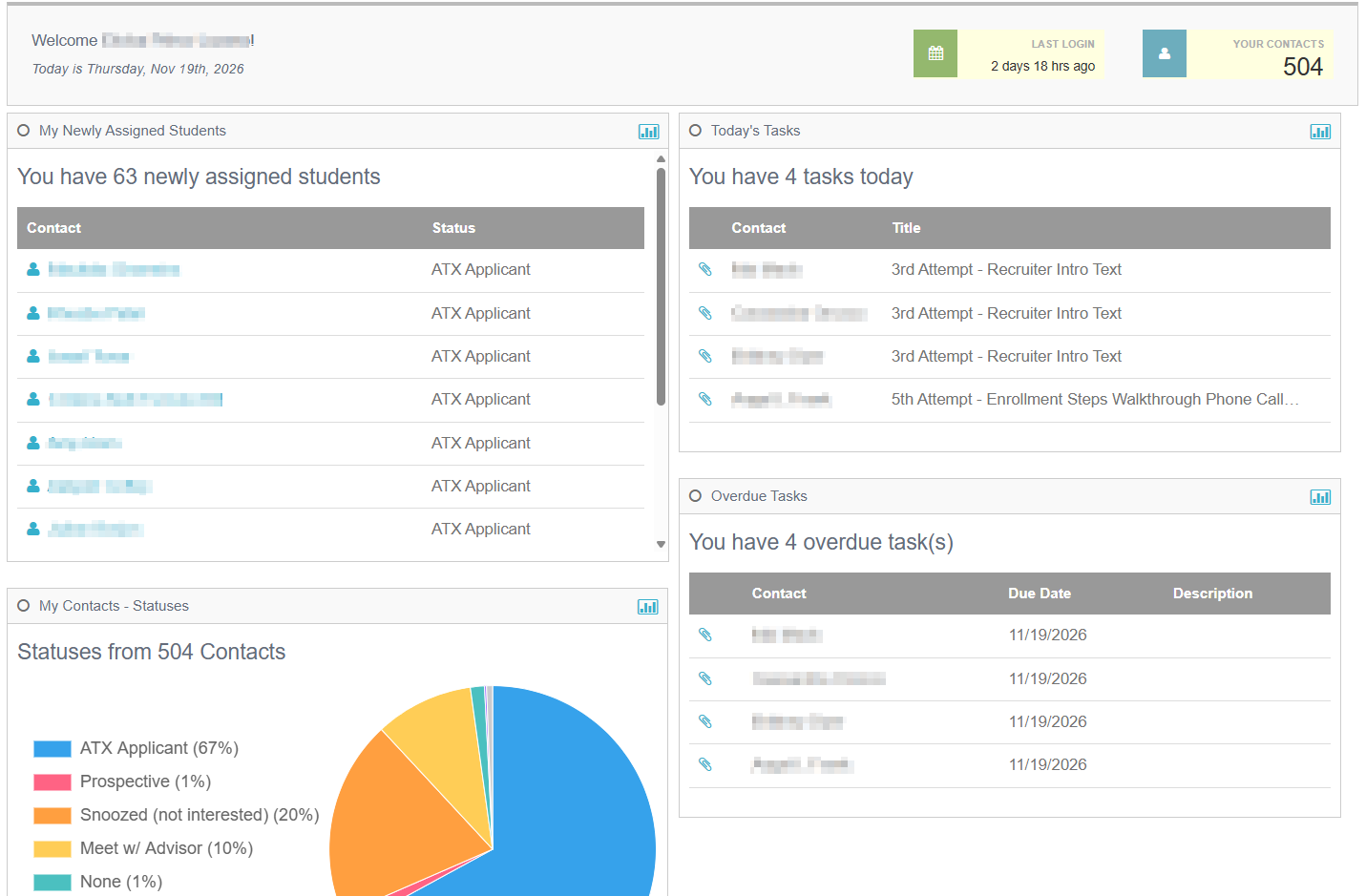
The exact widgets and configuration options available may vary between institutions.